Capture Every Kiss, Toast, and Dance.
Don't let the best moments stay trapped on your guests' phones. Picture Perfect Share gathers every memory into one beautiful, real-time gallery.
Start Your GalleryZero App Required.
Guests hate downloading apps for a single night. With Picture Perfect Share, they just point their cell phone camera at your event's customized QR card display. They're instantly in the action, ready to snap and share.
Capture Every Angle.
As guests snap photos, they appear instantly in the shared live gallery. Everyone gets to see the event through hundreds of different perspectives as the night unfolds.
Turn Memories Into a Show.
Hosts can present event photos as a full-screen slideshow while the celebration is still happening. Pair the changing moments with music to create an instant highlight reel for everyone in the room.
Share Your Event Story.
Create a simple event blog that combines meaningful photos with short stories for your guests. This wedding example shares engagement pictures, how the couple met, and the story of their proposal.
Save the Date, Then the Invitation.
Send a Save the Date as soon as the date is set, then the formal invitation when details are final. Each one arrives sealed in an envelope that opens on the guest's phone. Save the Dates simply share the news and never ask for a reply; the invitation is where guests RSVP. Prefer your own design? Upload a Save the Date or invitation you created elsewhere and still take advantage of all our digital sending features, including RSVP collection for invitations.
Save the Dates and invitations are available on paid Celebration and Signature events.
Every Reply, Every Plate.
Guests accept or decline for each person on their invitation. When meal collection is enabled, each guest can choose a meal and note dietary restrictions. Behind the scenes, hosts see attending and declined counts, meal totals, and dietary notes collected in one place, ready for the caterer. This walkthrough uses sample guests only.
Invitation RSVPs are available on paid Celebration and Signature events. Per-person meal and dietary choices are included with Signature.
Find Your Seat in Seconds.
Place a dedicated seat-finder QR code at the escort table. Guests scan it, search their name, and see their table and exact chair, with the room layout highlighting where to go. The example shows Emily Smith finding Table 6, Seat 3.
Assigned seating with room layouts is available on paid Signature events.
Meet the Wedding Party.
Introduce the people who helped bring the day to life. Guests can see the maid of honor, best man, bridesmaids, and other loved ones by name and role right in the wedding gallery.
Hear the Messages Behind the Moments.
Guests can record a private voice message of up to 60 seconds for the couple. Behind the scenes, the host can listen in Guest Messages; these recordings never appear in the public guest book.
Private voice messages are available on paid Celebration and Signature events.
A Face to Go With Every Wish.
A guest can add a selfie to a written note for the couple. Once approved, the photo and message appear together in the public guest book, so the couple can see who shared each memory.
Selfie messages are available on paid Signature events.
The Whole Day, at a Glance.
Give guests the wedding timeline in their gallery, from the ceremony and cocktail hour to dinner, dancing, and the sparkler send-off. This example follows a Celebration event schedule, with times and locations easy to find.
The guest schedule is available on paid Celebration and Signature events.
Interactive Challenges.
Give your guests a mission. Fun photo challenges break the ice, encourage mingling, and ensure you get the exact shots you want—from candid laughs to group selfies.
Spark Connections.
Turn strangers into friends with interactive Bingo cards tailored to your event. It's the ultimate icebreaker that gets people out of their seats and talking.
Give Your Guests More Than an Event. Give Them an Experience.
Get Started Now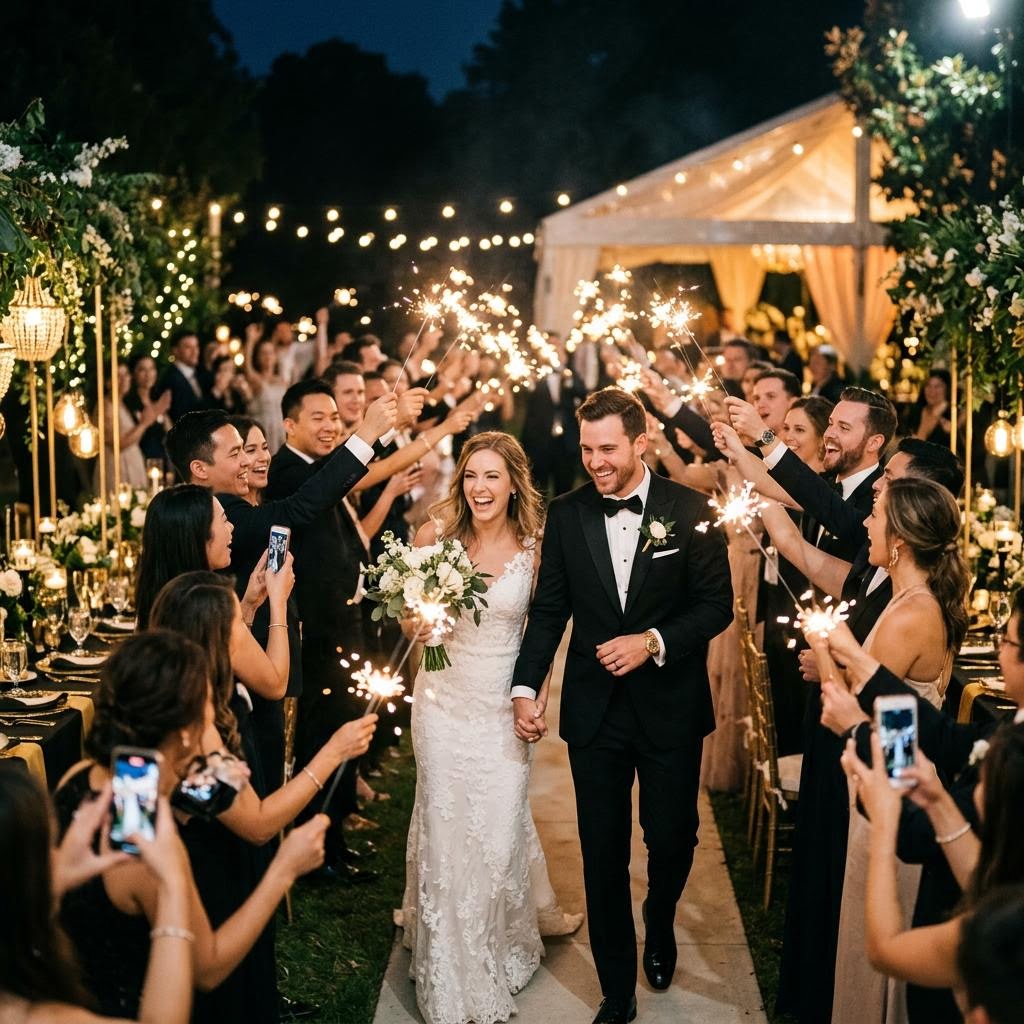
Weddings
Welcome to the shared gallery